Turn your teaching material into
interactive assessmentsin minutes.
Skip the manual quiz creation. Gradr delivers beautiful assessments, instant feedback, and powerful analytics from day one.
Join the waitlist
Be the first to transform your teaching with AI-powered quiz generation. Get early access and exclusive updates.
🔒 We respect your privacy. No spam, just updates about Gradr.
From content to assessments
in seconds
Rapidly build engaging assessments with our intelligent quiz generation.
Upload Lecture Materials
Drag & drop PDF files here or click to browse
AI-Powered Generation
Advanced AI creates contextually aligned questions from your content.
PDF Processing
Intelligent text extraction and content analysis from lecture materials.
Instant Marking
Automatic scoring for all question types with detailed explanations.
Anti-Cheating
Randomised questions, time limits, and single-attempt restrictions.
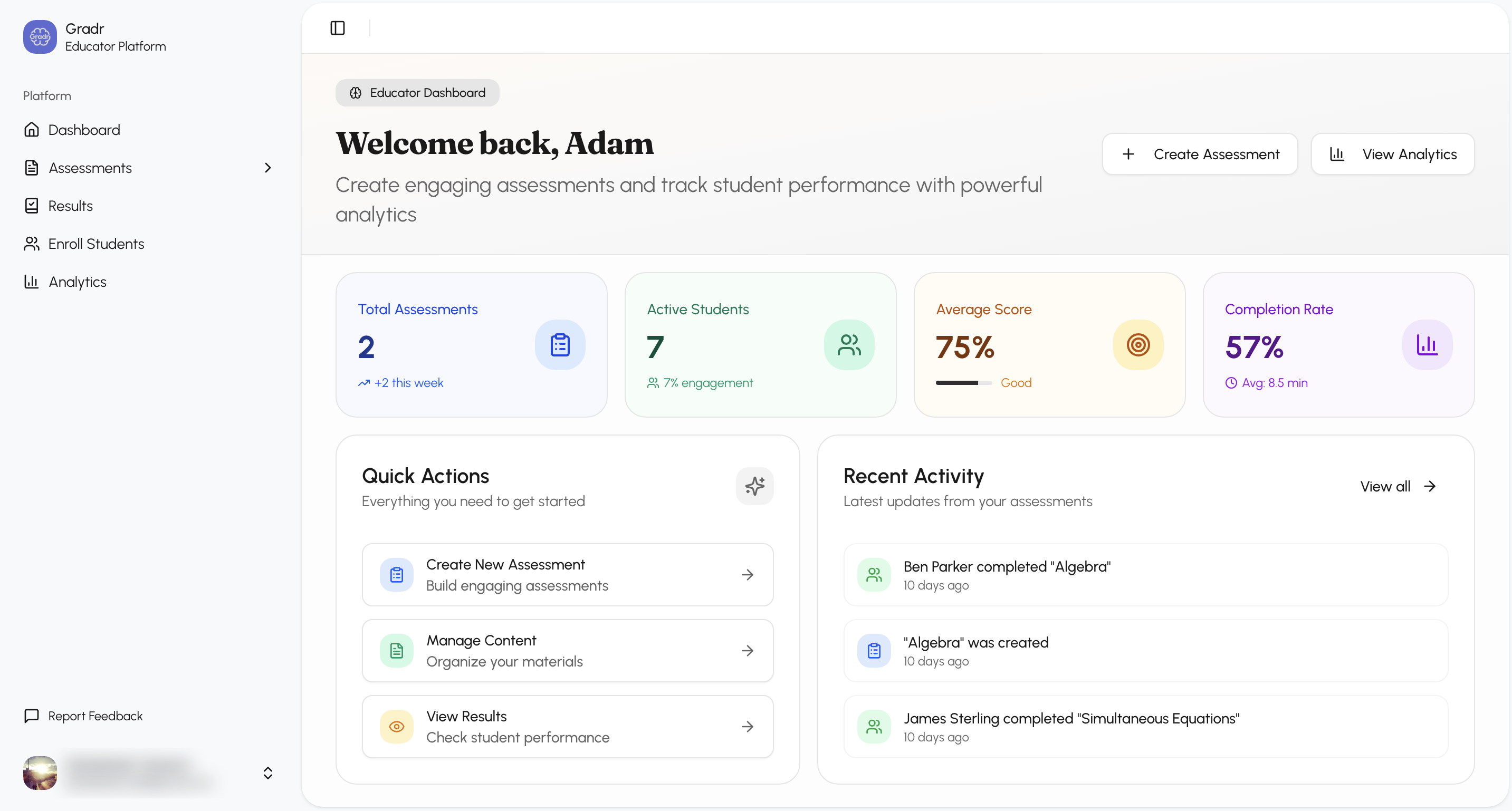
Real-time Analytics
Live performance tracking and detailed student insights.
No Student Accounts
Students access quizzes directly via shared links – no sign-up required.
From lecture to assessment in
six simple steps.
Gradr gives you the structure to build and run assessments that scale.
1. Upload Your Lecture Content
Drag and drop your PDF lecture materials. Our system extracts and analyses the content for optimal quiz generation.
Drag & drop your files here
PDF, PPTX, DOCX supported
2. AI Generates Contextual Quizzes
Advanced AI creates multiple-choice, true/false, and short-answer questions directly aligned with your specific content.
Processing Content
3. Review & Customize
Preview generated questions, edit content, regenerate if needed, and adjust quiz settings before publishing.
What is the primary function of...
4. Share with Students
Students access quizzes via shared links – no accounts required. Set time limits and attempt restrictions.
5. Students Take the Quiz
Clean, mobile-friendly interface with randomised questions, auto-save, and built-in anti-cheating measures.
Which of the following best describes the process?
6. Instant Results & Analytics
Real-time marking with detailed explanations. View performance metrics, question analysis, and export results.
Why Educators Choose Our Platform
Built for modern teaching needs with features that save time and improve engagement.
Reduce assessment prep time by 70%
Content-aligned questions, not generic
Instant auto-grading for all question types
Real-time student performance tracking
No student accounts required
Mobile-optimized quiz experience
Anti-cheating measures built-in
Export results for gradebook integration
Frequently Asked Questions
Find answers to common questions about using Gradr.
Ready to build the perfect
quiz for your students?
Join our waitlist to get early access and be among the first educators to transform your teaching with AI-powered assessments.